

FAQ
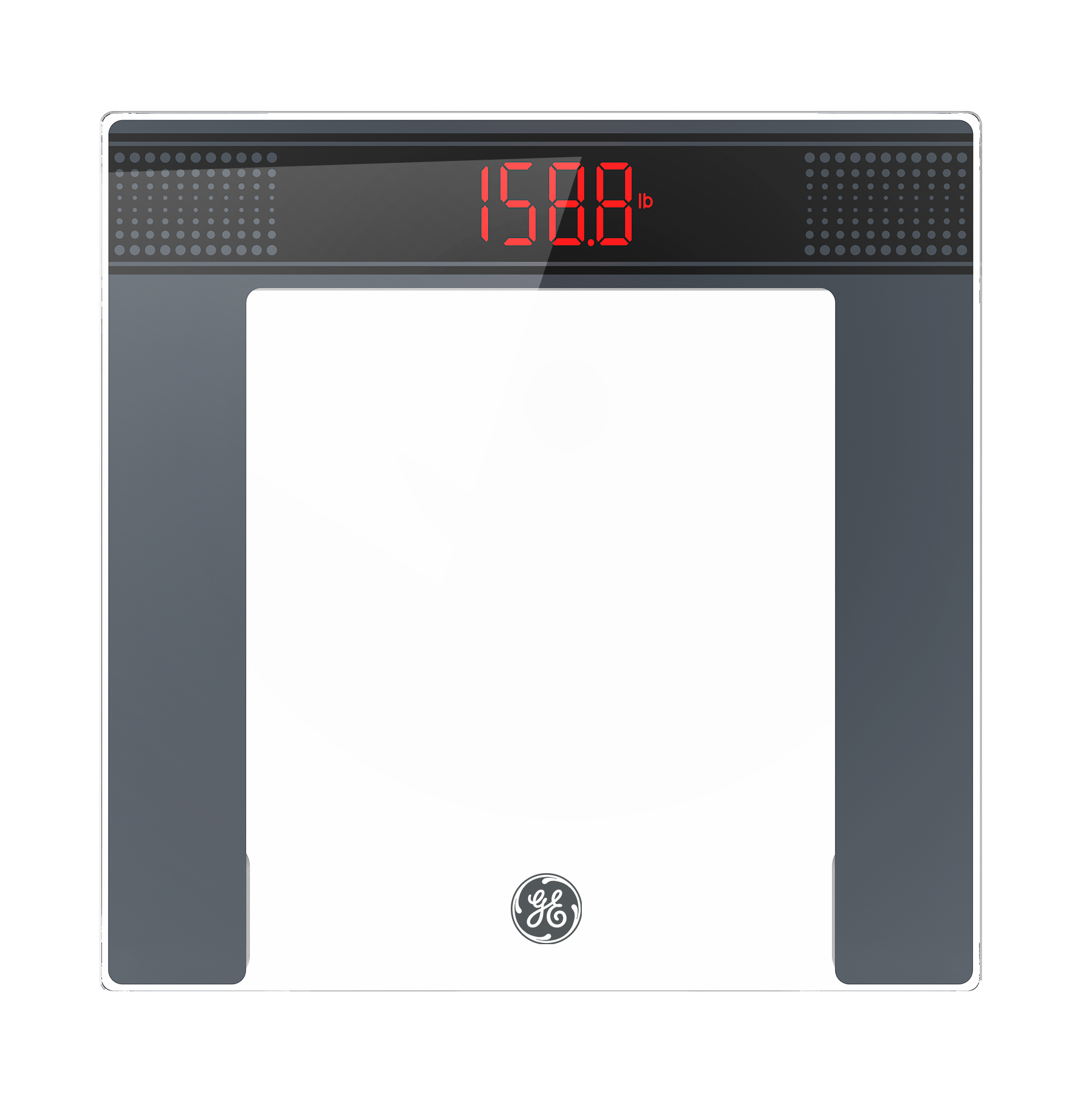
How do l get started with my new CG10D Weight Scale?
(1) Put the two AAA batteries into the battery compartment.
(2) Place your scale on a flat and hard surface.
(3) Ensure that your scale displays 0.0, which indicates it is calibrated and ready for use.
How do I switch the units (lb/kg/st/st:lb) on the scale?
Please press the button next to the battery compartment on the back of the scale.
My scale keeps showing a weight when nothing's on it and won't go back to 0.0. How do I fix this?
Remove the batteries, wait 15 seconds, then reinsert them.
Place the scale on a hard and flat floor. Make sure your scale displays 0.0 before use.
Safety Warning: Avoid dropping the scale or striking the glass platform with hard or sharp objects. Do not use the scale if the glass platform is cracked, chipped, loose, or otherwise damaged. Stop using the product immediately if any damage is found. Do not stand on damaged glass or touch broken glass with bare hands or feet. Keep damaged glass away from children and pets.